
Documentation Index
Fetch the complete documentation index at: https://docs.ironcoaching.app/docs/llms.txt
Use this file to discover all available pages before exploring further.
Exporting Programs
Export your programs to share with athletes outside of IronLedger, or for your own records.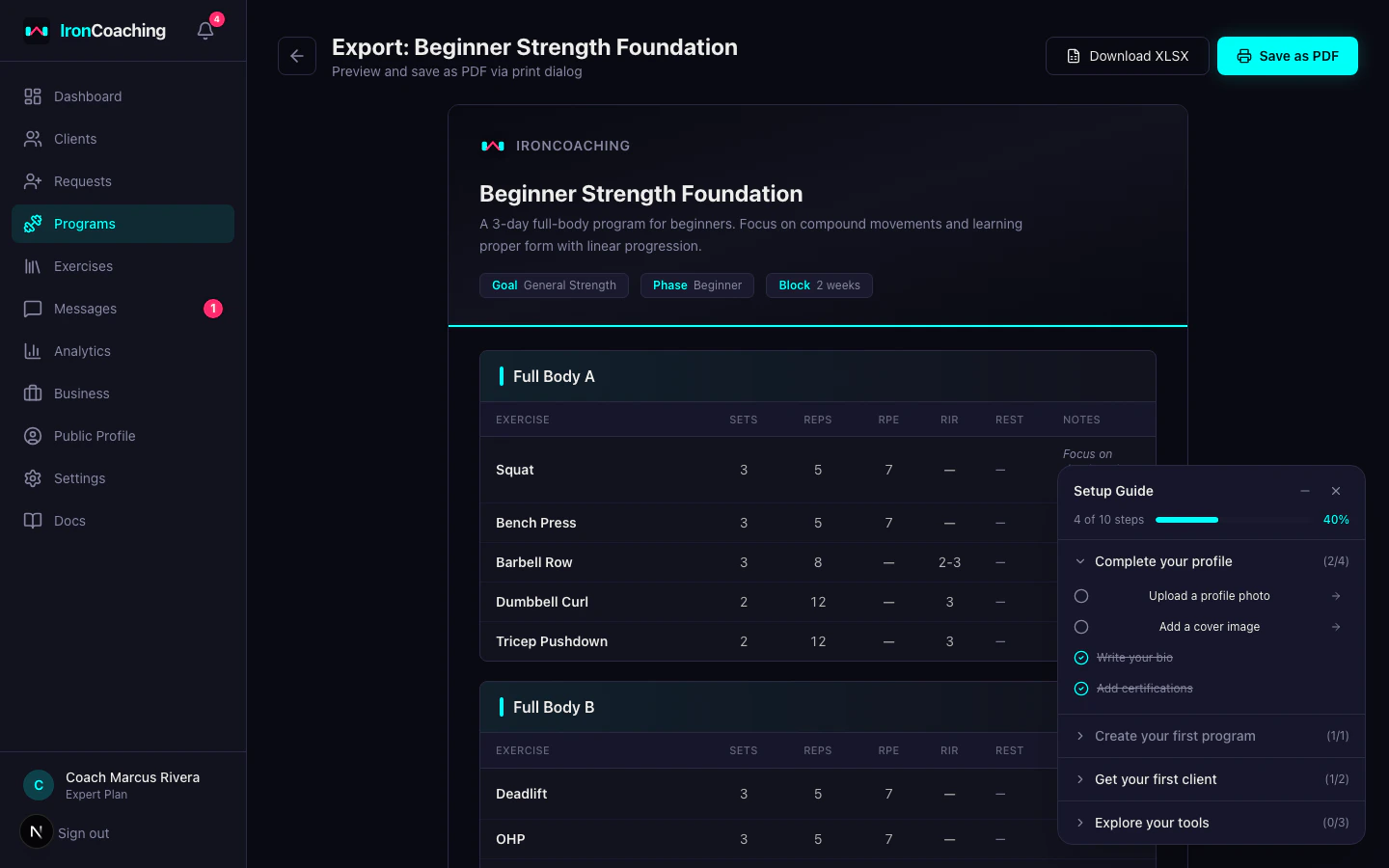
Export Formats
XLSX Spreadsheet
- Opens in Excel, Google Sheets, or any spreadsheet app
- Each training day gets its own sheet
- Columns: Exercise, Sets, Reps, RPE, RIR, Rest, Notes
- Includes program metadata header
Branded HTML
- Print-ready formatted document
- Includes your coaching branding (Pro+ plans)
- Can be saved as PDF from the browser print dialog
- Professional layout with your business name and colors
How to Export
- Go to Dashboard > Programs
- Open the program you want to export
- Click the Export button
- Choose XLSX or HTML format
- The file downloads automatically
Week Headers in Exports
When a program has multiple weeks, exports include a section header for each week:- Week name — e.g., “Week 1: Base Building”
- Deload badge — shown when the week is marked as a deload week
- Week notes — any focus area or intensity guidance you added to the week
Branding (Pro+ Plans)
Pro and Expert coaches can customize exports with:- Business name displayed in the header
- Primary color for accents and headings
- Logo (if uploaded in your profile)