Documentation Index
Fetch the complete documentation index at: https://docs.ironcoaching.app/docs/llms.txt
Use this file to discover all available pages before exploring further.
Creating Your Profile
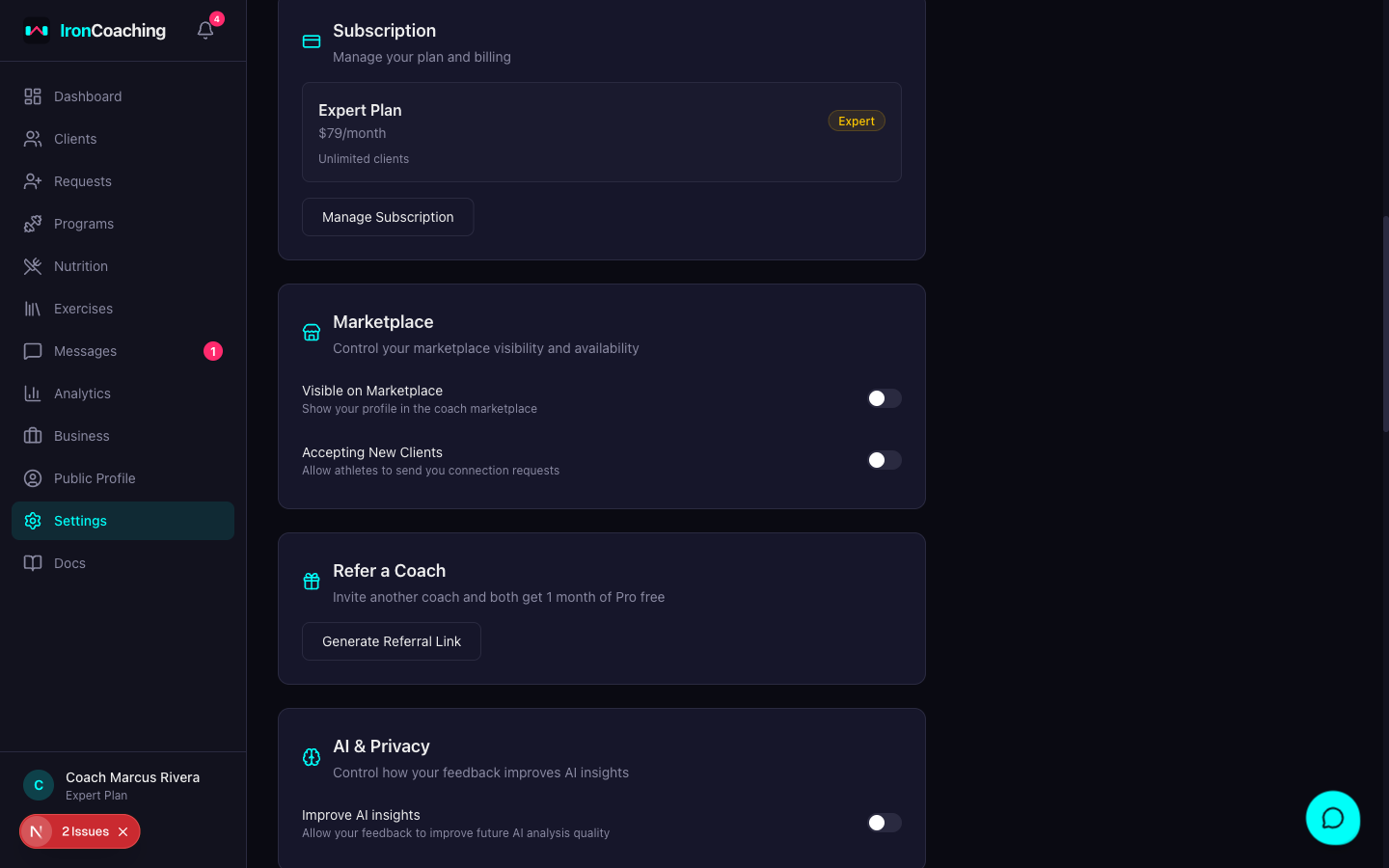
Your coaching profile is your public presence on IronCoaching. It appears on the marketplace and helps athletes find you.Onboarding Steps
1. Basic Information
- Display Name — your professional name (e.g., “Coach Mike Johnson”). This generates your unique profile URL.
- Bio — describe your coaching philosophy, experience, and what makes you unique. This appears on your public profile.
- Years of Experience — helps athletes gauge your expertise level.
2. Specialities
Select all that apply from:- Powerlifting, Bodybuilding, Olympic Weightlifting
- CrossFit, General Strength, Sport-Specific
- Rehabilitation, Weight Loss, Bodyweight / Calisthenics, Strongman
3. Certifications
List your coaching certifications, one per line:After Onboarding
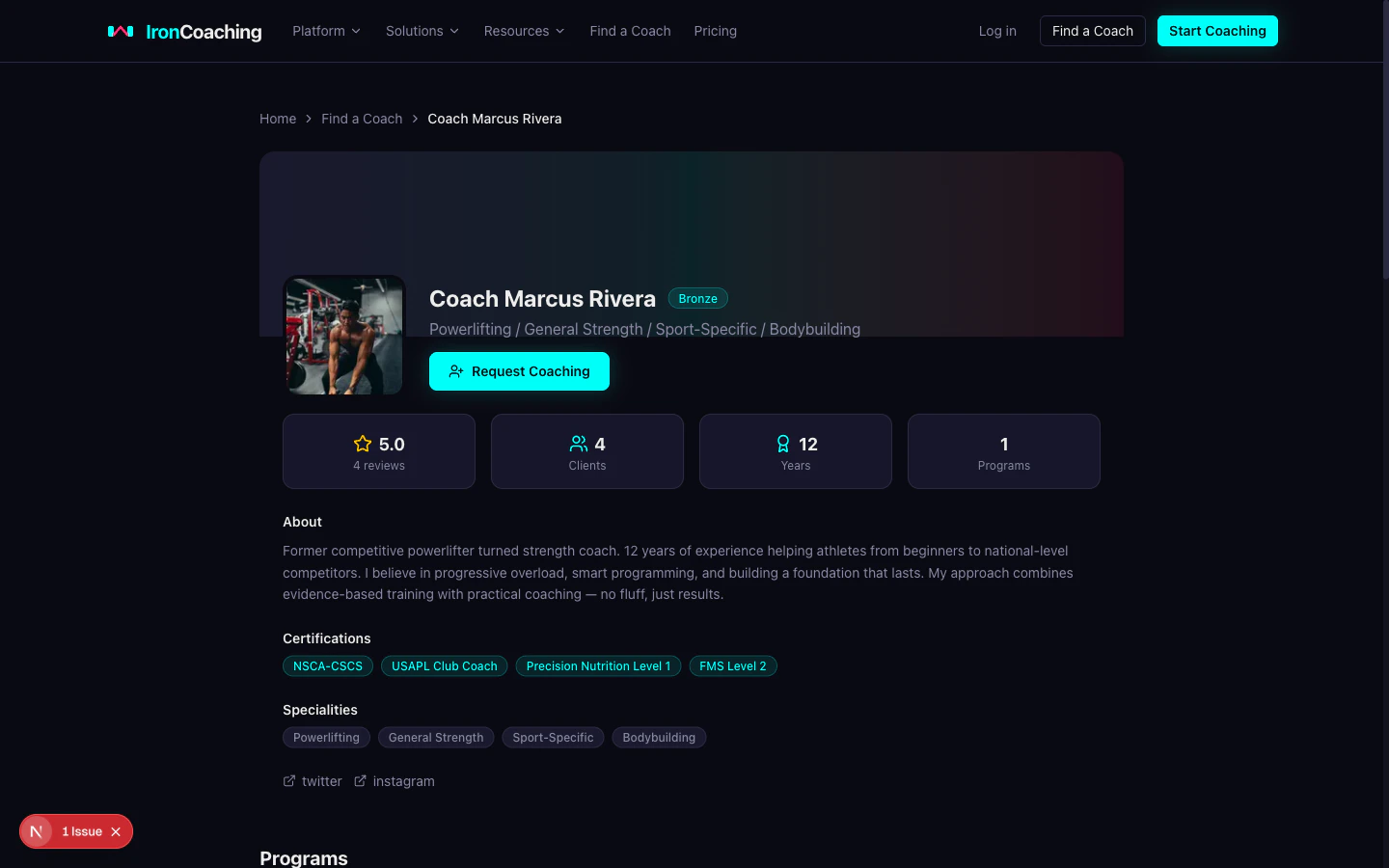
- Avatar — upload a professional photo (max 5MB, JPG/PNG/WebP)
- Banner — a wide header image for your profile page
- Social Links — add Twitter, Instagram, YouTube, etc.
- Branding — Pro+ coaches can set a custom primary color and business name