
Documentation Index
Fetch the complete documentation index at: https://docs.ironcoaching.app/docs/llms.txt
Use this file to discover all available pages before exploring further.
AI Insights
Expert plan coaches get access to AI-powered analysis of their athletes’ training data, powered by Claude.Insight Types
| Type | What It Analyzes |
|---|---|
| Training Analysis | Reviews recent sessions for patterns, fatigue indicators, and areas of concern |
| Program Recommendations | Suggests adjustments to programming based on athlete progress |
| PR Predictions | Estimates upcoming PRs based on training trends |
| Weekly Summary | Comprehensive overview of the athlete’s training week |
How to Use
Analytics AI Panel
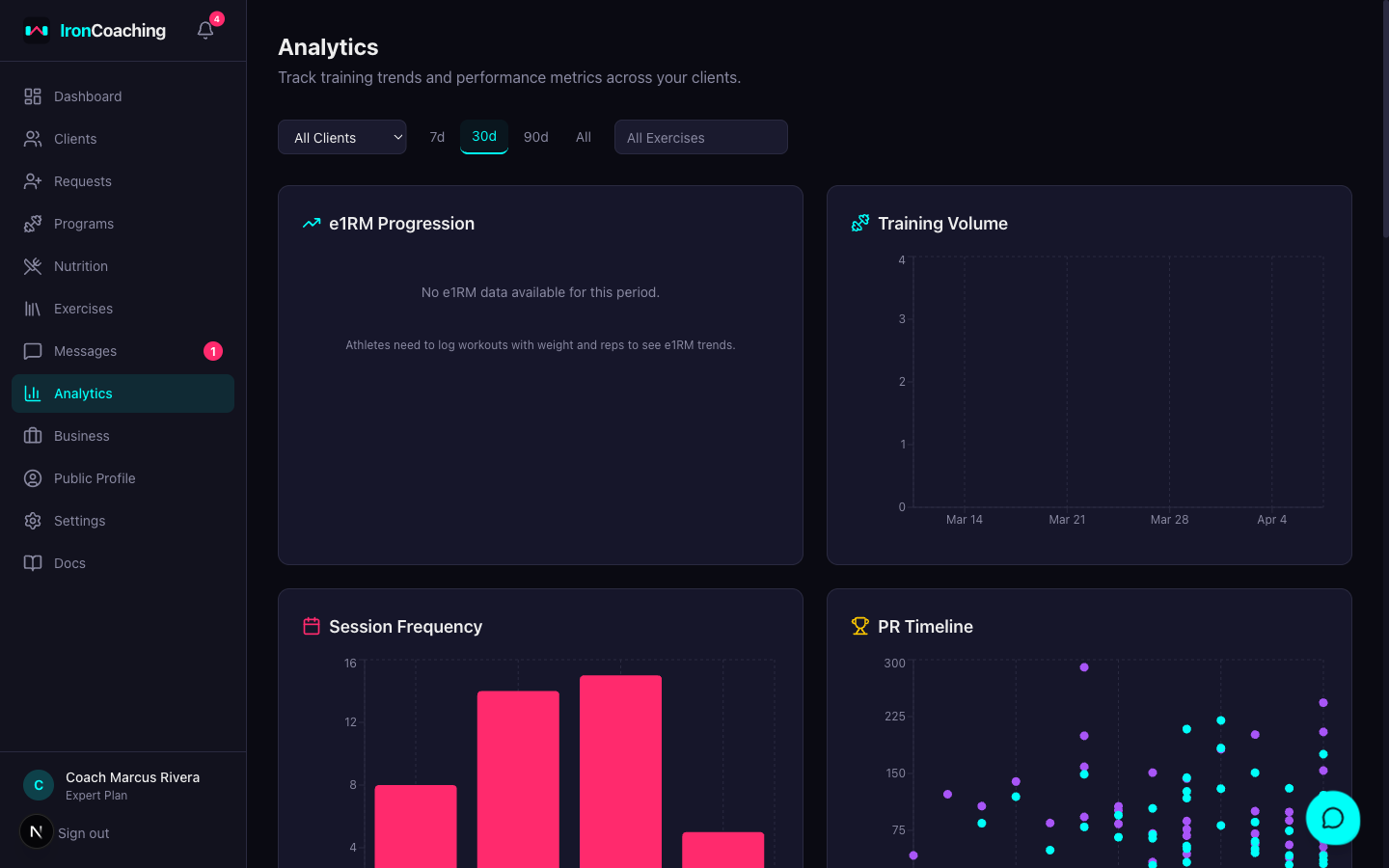
- Go to Dashboard > Analytics
- Select a client and date range
- Click the AI Insights panel
- Select an insight type and click Generate
Per-Client AI Insights
- Go to Dashboard > Clients and open an athlete’s profile
- Click the AI Insights tab
- Select an insight type and click Generate
Rate Limits
- 20 insights per day per coach
- Responses are cached for 24 hours — requesting the same analysis within that window returns the cached version instantly
AI Feedback Loop
You can improve the AI’s output over time:- After reading an insight, give it a thumbs up or thumbs down
- Optionally add a correction explaining what was wrong or how you’d phrase it differently
- Enable AI Feedback Opt-In in Dashboard > Settings > AI & Privacy
PR Predictions
When you generate a PR Predictions insight, the AI outputs structured predictions with:- Exercise — which lift the prediction is for
- Predicted Value — the estimated e1RM
- Target Date — when the athlete should hit it
- Confidence — how confident the AI is (0–100%)
Prediction Resolution
Once a prediction’s target date passes, the system automatically checks the athlete’s actual PR data:| Result | Criteria |
|---|---|
| Hit | Actual value is within 5% of predicted value |
| Missed | Actual value is more than 5% off |
Prediction Dashboard
The Predictions section on the AI Insights tab shows:- Active Predictions — pending, not yet past target date
- Resolved — total predictions that have been checked
- Hit Rate — percentage of predictions that were accurate
- Average Accuracy — how close predictions are to actuals on average
Self-Improvement Loop
The AI learns from its own prediction accuracy. When generating new predictions, the system injects:- How many past predictions were made
- Hit rate and average accuracy percentage
- Whether the AI tends to overestimate or underestimate
AI Insights requires the Expert plan ($79/mo).