
Documentation Index
Fetch the complete documentation index at: https://docs.ironcoaching.app/docs/llms.txt
Use this file to discover all available pages before exploring further.
Inviting Athletes
Connect with athletes by generating unique invite links. Athletes can accept via the web or through the IronLedger app.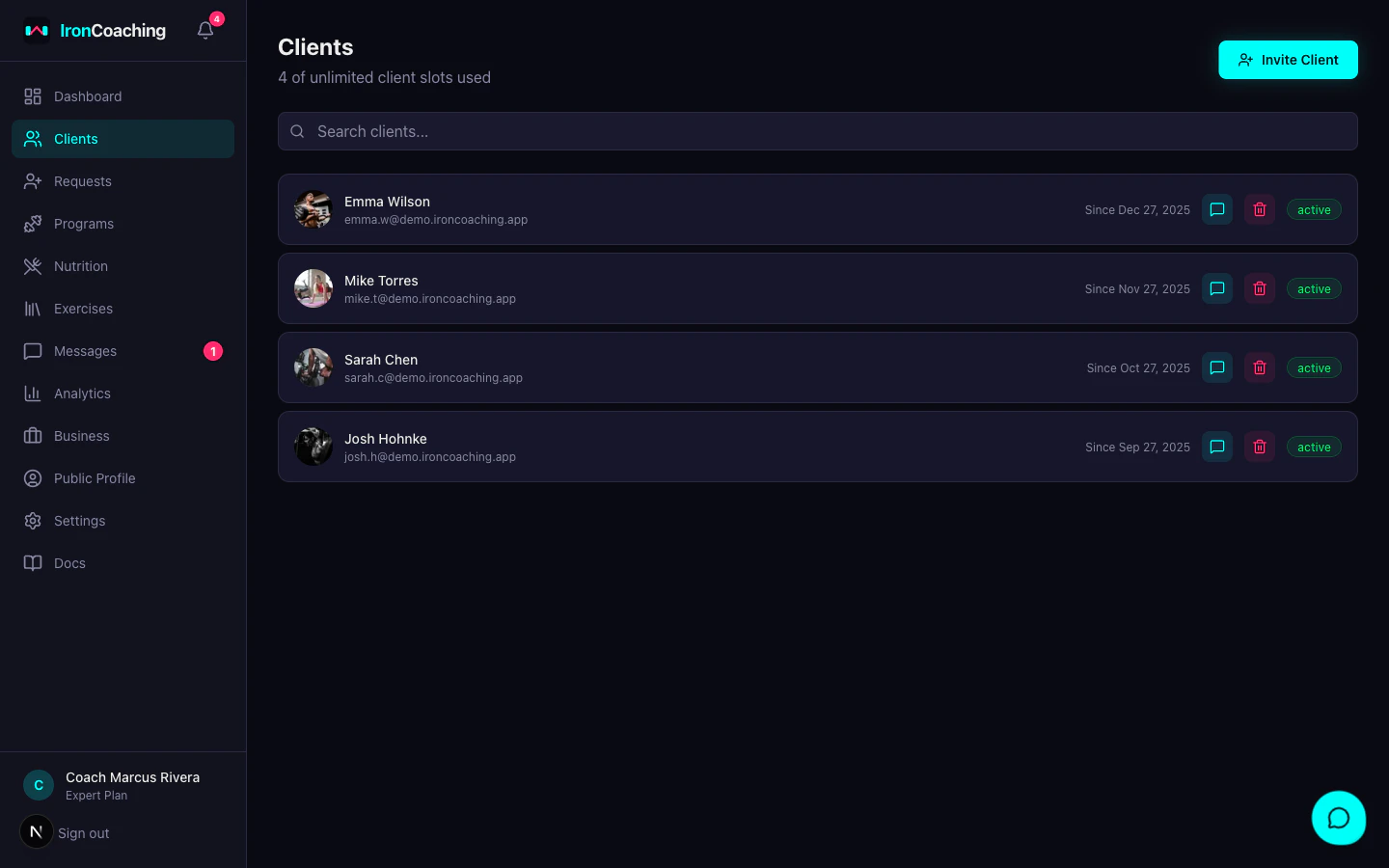
Generating an Invite Link
- Go to Dashboard > Clients
- Click Invite Athlete
- A unique invite link is generated
- Copy and share the link with your athlete
How Athletes Accept
Via Web
Athletes click the link and are guided through:- Creating an IronCoaching account (or signing in)
- Confirming the coach-athlete relationship
- Being redirected to their client portal
Via IronLedger App
If the athlete has IronLedger installed, the link deep-links into the app where they can accept directly.Invite Expiration
Invite links expire after 7 days for security. If an invite expires, simply generate a new one.After Acceptance
Once an athlete accepts:- They appear in your Clients list with “Active” status
- You can view their workout history (if they’ve logged sessions in IronLedger)
- You can assign programs, send messages (Pro+), and track their progress
- Their client count contributes to your marketplace profile stats
Client Limits
| Plan | Max Clients |
|---|---|
| Basic | 10 |
| Pro | 20 |
| Expert | Unlimited |